For years, the extra lock on your WhatsApp account was a simple six digit PIN. Easy to set, but also easy to guess if someone knew a bit about you. That just changed. In its late August 2026 security update, WhatsApp rolled out a stronger version of two step verification, and the headline is simple: you can now protect your account with a full password instead of just numbers.
Here is what actually changed, and how to switch to the stronger option today.
What WhatsApp changed
Three things landed in this update, and all of them are about keeping strangers out of your account.
First, and most important, two step verification now supports a longer alphanumeric password. Instead of being stuck with six numbers, you can now use letters, numbers and special characters. A password like Naija2026! is far harder to guess than a birthday or a repeated number, and that is the whole point.
Second, WhatsApp expanded passkey support so you can add more than one passkey to your account. A passkey lets you sign in with your fingerprint or face instead of a password at all, and because there is nothing to type, there is nothing for a scammer to phish out of you.
Third, Android users now get more context on calls from unknown numbers, including whether the number is from another country and whether you share any groups with the caller. It is a small touch, but it helps you spot a scam call before you pick up.
Why this matters for you
Your WhatsApp account is a master key. It holds your chats, your contacts, and increasingly your money conversations and one time codes. Account takeovers usually start when someone tricks you into sharing a verification code, or hijacks your number through a SIM swap. Two step verification is the wall that stops them, because even with your number, they still need your secret to get in.
A six digit PIN was a decent wall. An alphanumeric password is a taller one. If you only do one thing after reading this, make it this switch.
How to set or update your password
The screen looks like this once you get there:
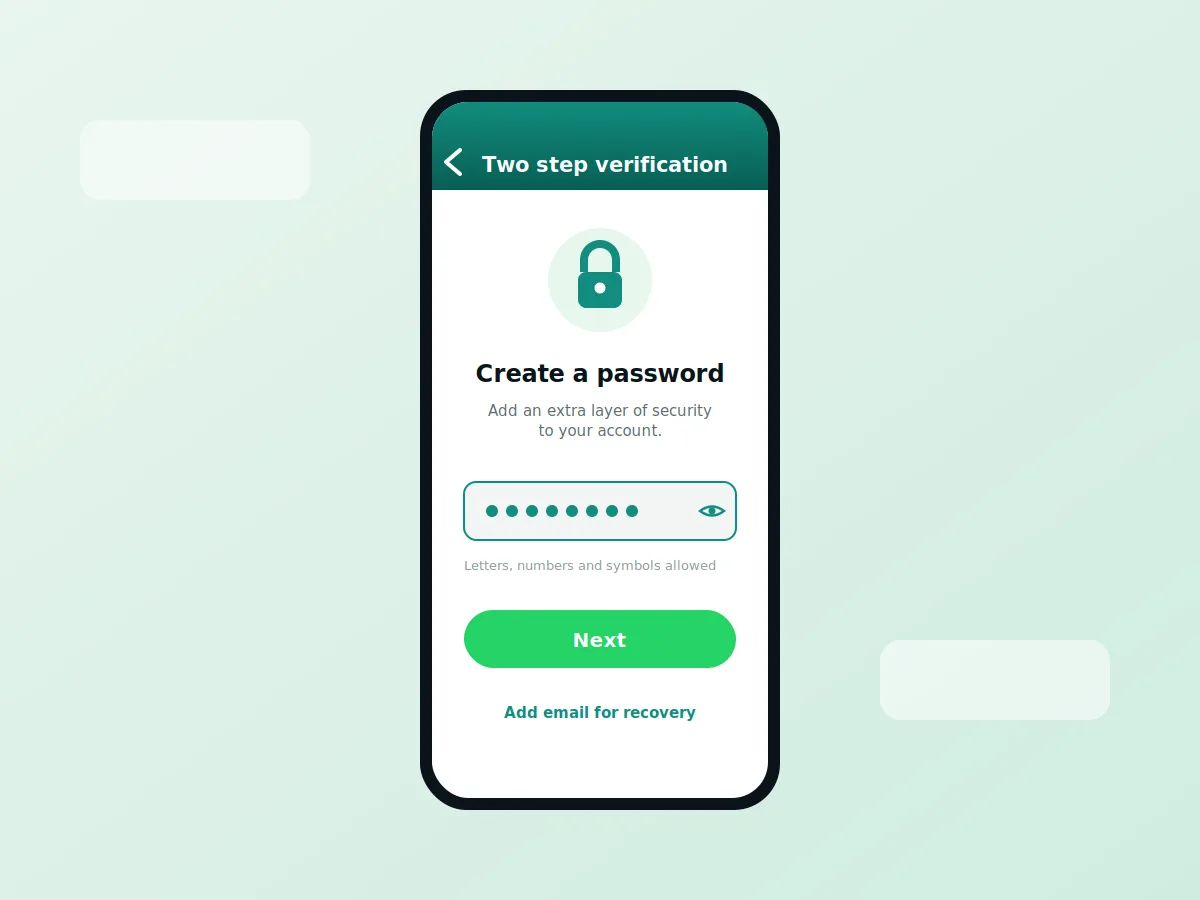
The path is almost identical on both phones, and the whole thing takes under two minutes.
On Android: Open WhatsApp, tap the three dots at the top right, then go to Settings, then Account, then Two step verification. Tap Turn on if you have never set it, or Change password if you already had a PIN. Enter your new password, confirm it, then add an email address you control. Finish, and you are done.
On iPhone: Open WhatsApp, tap Settings at the bottom right, then Account, then Two step verification. Tap Turn on, or Change password if you already had one. Enter your new password, confirm it, add your recovery email, and save.
Depending on your app version, you may still see the word PIN in some places while the rollout reaches everyone. If you do, update the app from your store and check again.
Do not skip the recovery email
When you set this up, WhatsApp asks for an email address. Add it. This is the only way to reset your password if you ever forget it. Skip it, and a forgotten password can lock you out of your own account for days. Use an email you actually check, and keep that inbox secure too.
A few extra tips
Make the password something only you would know, not a birthday, phone number, or 123456. Mix in a capital letter, a number and a symbol. Do not reuse a password you already use somewhere else. And if your phone supports it, turn on a passkey as well, so your fingerprint or face becomes your fastest and safest way back in.